Cisco Routers. Cisco icons, shapes, stencils and symbols
Developing a network design, one should take into account the potential number of users, required interfaces, communication channels and then create a network map and an IP plan. You should also try to stick to the hierarchical network model, which has many advantages. First of all, it is the clarity of the network's organization. Also, the model implies modularity, which means easy capacity building if needed.
Another advantage is the increased resiliency which is achieved due to the duplication of devices or connections. According to this model, the network is divided into three logical layers. First level is the core level. There are high-performance devices at this level, such as routers, which main task is to transport data. This is followed by distribution level which provides the use of security policies, QoS, link aggregation and VLAN trunking, defines broadcast domains. The final level is the access level, the purpose of which is to connect the end devices, to mark traffic for the QoS, to implement ring protection(STP) and broadcast storm protection, to providing power to PoE devices.
The Cisco Network Diagrams solution uses Cisco network symbols and Cisco icons to visualize computer networks topology and equipment connections and arrangement. They are used by IT professionals and corporate IT departments, and network and system administrators, to visually document the topology and design of Cisco networks.
The ConceptDraw vector stencils library "Cisco Routers" contains 27 equipment symbols for drawing the computer network diagrams using the ConceptDraw DIAGRAM diagramming and vector drawing software:
- Router
- Router, subdued
- Router with silicon switch
- Wavelength router
- NetFlow router
- uBR910
- Broadband router
- Gigabit switch ATM tag router
- ATM tag switch router
- Edge label switch router
- Edge label switch router with NetFlow
- Cisco 7505
- Cisco 7507
- Cisco 7500 ARS (7513)
- Voice enabled router
- TDM router
- IP telephony router
- IAD router
- Content service router
- Cisco storage router
- Router with firewall
- Wireless router
- ASR 1000 series
- ATM 3800
- AXP
- Cable modem
- Ground terminal

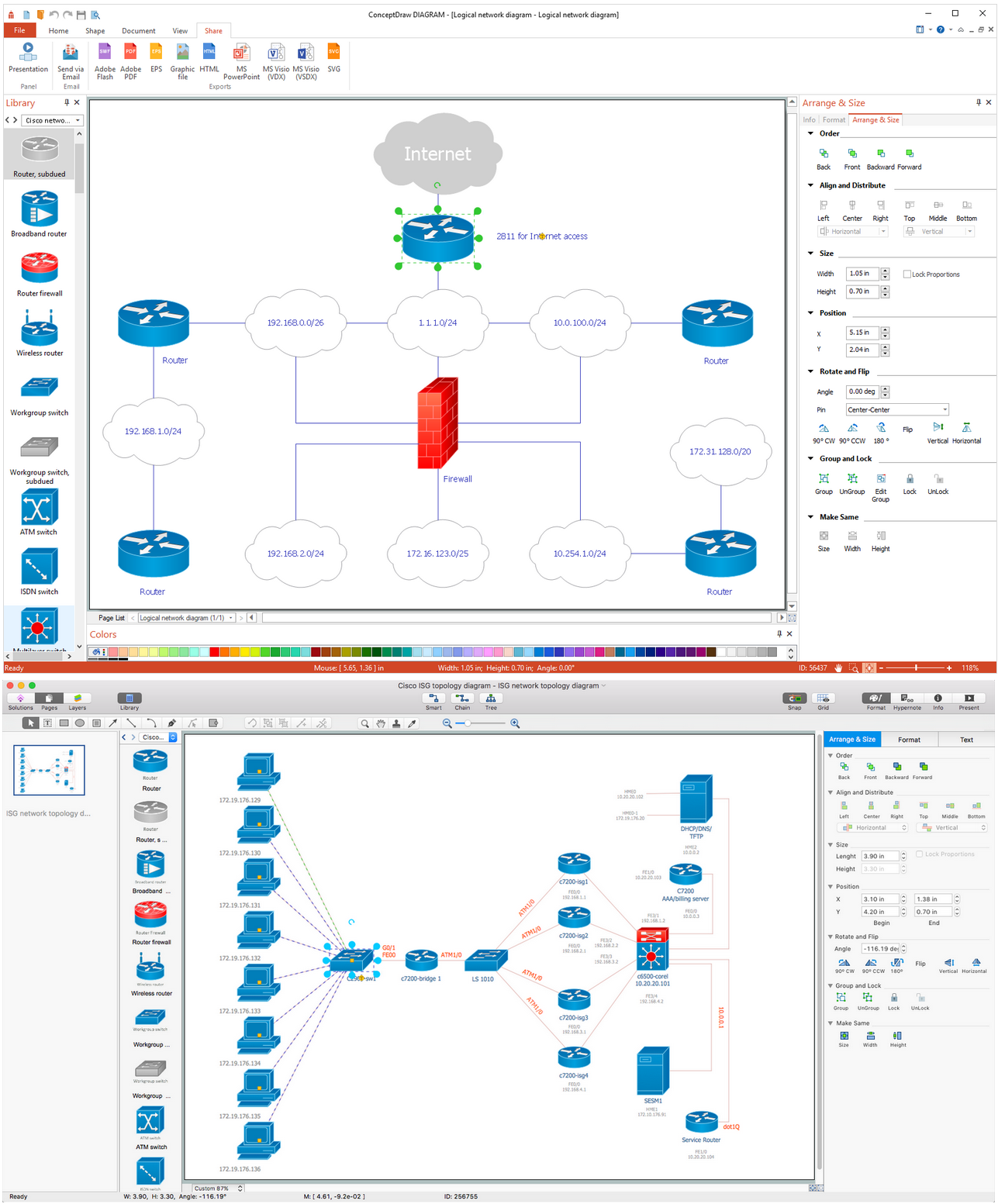
Sample 1. Design Elements — Cisco Routers (macOS, Windows) for Network Diagrams. Network equipment refers to hardware devices designed for local area networks, both wired and wireless. Active network equipment is powered from the electricity supply, portable battery, the computer via USB-port and other sources, also it can be used for amplification, conversion and processing of the network signal. Network equipment includes several device categories. Internal and external network adapters are used to connect to the network. Switches connect network nodes. Routers connect multiple network segments and filter traffic. Repeaters and amplifiers increase the range of action of the network signal. Media converters and transceivers convert the network signal from one type to another. Access points provide wireless access to an existing network or create a new wireless network. GSM-modems and gateways used to work with wireless GSM / GPRS / EDGE / UMTS / HSPA / LTE-networks.
The example "Design elements — Cisco Routers" is included in the Cisco Network Diagrams solution from the Computer and Networks area of ConceptDraw Solution Park.
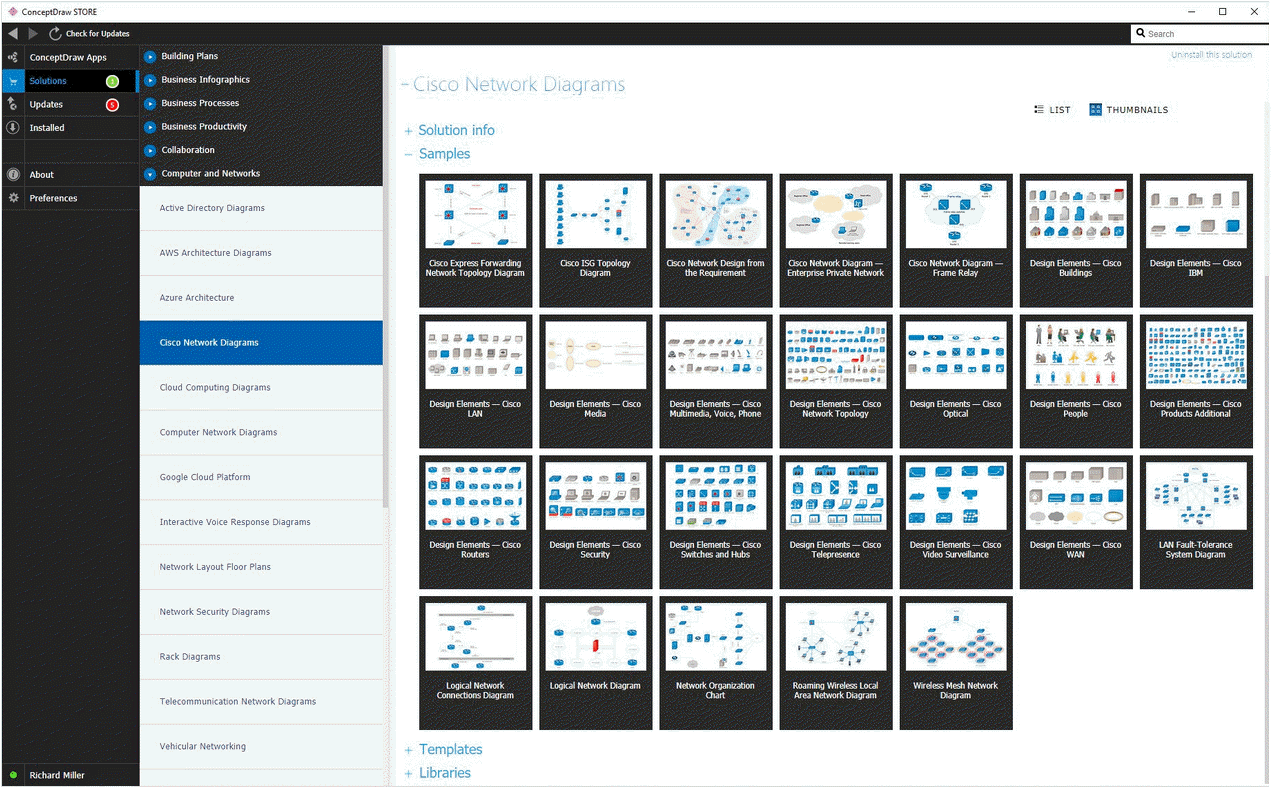
Example 2. Cisco Network Diagrams solution
Icons, shapes, stencils, symbols and design elements for Cisco Network Diagrams:
TEN RELATED HOW TO's:
It doesn’t matter what kind of business you have, a bar or a gym, there are common concepts for any of them. One of those concepts is accounting, and to facilitate the work with the figures, you can use accounting flowchart symbols and create a clear and representative scheme. You can create flowchart for auditing, tax accounting and even for planning your own budget.
A graphical tool for displaying successive processes is flowchart. This method is mostly suited to represent an accounting process. The sequence of steps in the accounting process usually consists of standard accounting procedures, that can be depicted by using a minimal number of symbols, applied for the basic flowcharting. The advanced opportunity to create professional Accounting Flow charts is provided by ConceptDraw Accounting Flowcharts solution. It includes contains a library of accounting flowchart symbols used when drawing the accounting process flow.
Picture: Accounting Flowchart Symbols
Related Solution:
Enterprise systems engineers almost every day face the necessity of network diagrams. We should also take into account that Cisco network design is not only limited to computer networks, but, furthermore, you can design telephone networks and much more. You can build an hierarchical model of your network to get better performance and reliability.
This network diagram represents the utilization of Conceptdraw DIAGRAM for network documentation creation. The diagram shows schematically the structure of a node of a large Internet service provider, which is completed on the basis of Cisco equipment. This diagram was designed using the vector library containing the images of Cisco equipment, supplied with Cisco Network Diagrams solution. In total, the solution has more than ten libraries including more than 500 vector icons of Cisco equipment.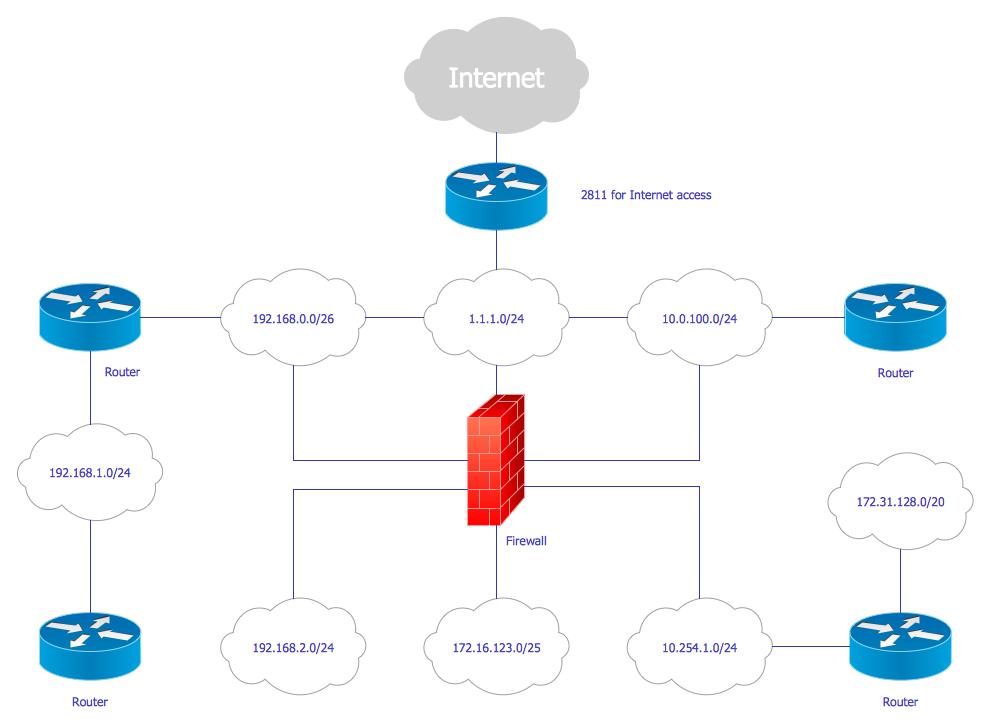
Picture: Cisco Network Design
Related Solution:
Network Security Architecture Diagram visually reflects the network's structure and construction, and all actions undertaken for ensuring the network security which can be executed with help of software resources and hardware devices. You dream to find powerful software for easy designing Network Security Architecture Diagram? We recommend to use ConceptDraw DIAGRAM extended with Network Security Diagrams Solution from the Computer and Networks Area of ConceptDraw Solution Park.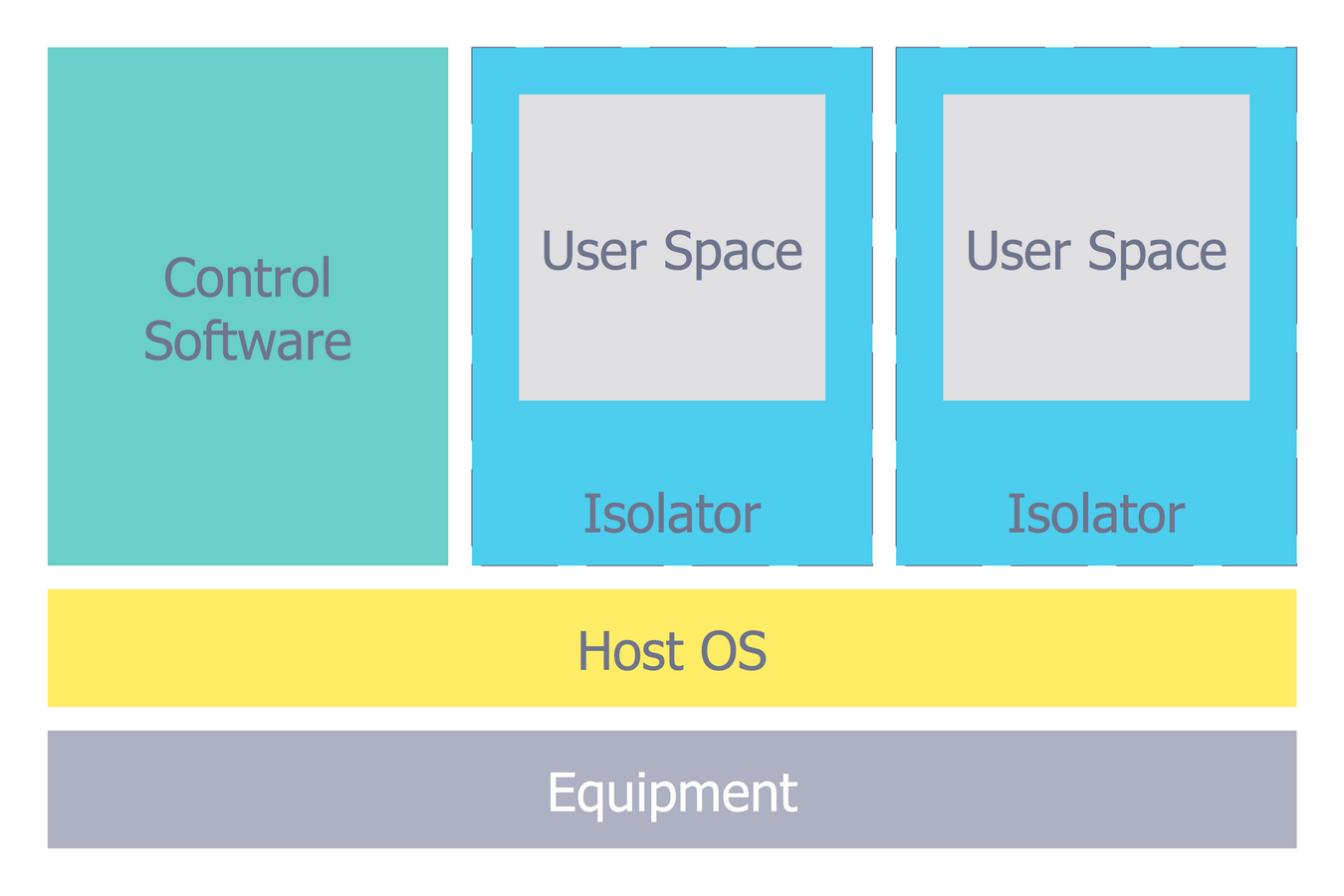
Picture: Network Security Architecture Diagram
Related Solution:
Multiprotocol Label Switching (MPLS) is a mechanism in high-performance telecommunication networks that implements the data transfer from one network node to another using the labels.
ConceptDraw DIAGRAM is a powerful network diagramming and vector drawing software that provides the Computer and Networks solution with wide set of ready-to-use predesigned vector stencils and examples to help you design the MPLS Networks quick and easy.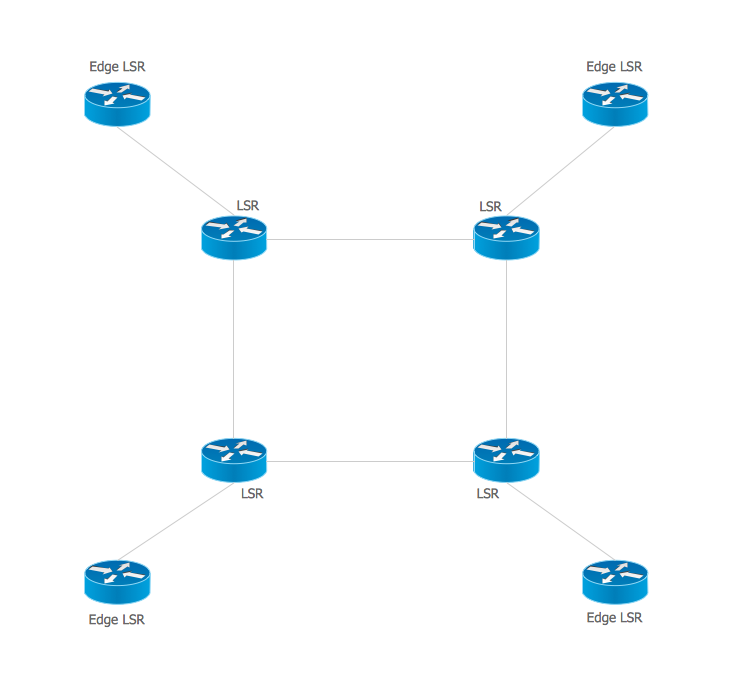
Picture: Multiprotocol Label Switching (MPLS). Computer and Network Examples
Related Solution:
The Enhanced Interior Gateway Routing Protocol (EIGRP) is a progressive distance-vector dynamic routing protocol. It was developed by the Cisco Systems and is available as an open standard from 2013.
EIGRP is used to help automate routing decisions and configuration of the computer network. It allows the routers of the same logical area automatically share route information.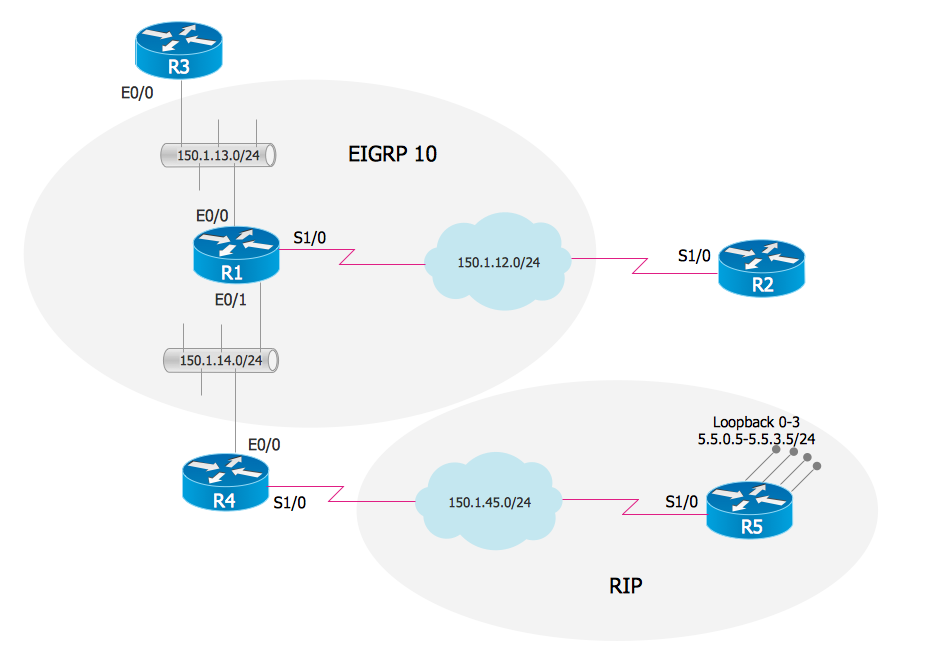
Picture: EIGRP. Computer and Network Examples
Related Solution:
An Enterprise private network (EPN) is a computer network built by an enterprise to interconnect the sites of the company (such as head and remote offices, shops, production sites, etc.) on purpose to share the computer resources.
This example was created in ConceptDraw DIAGRAM using the Computer and Networks solution from the Computer and Networks area of ConceptDraw Solution Park. It shows the Enterprise Private Network (EPN) using the frame-relay and dial-up.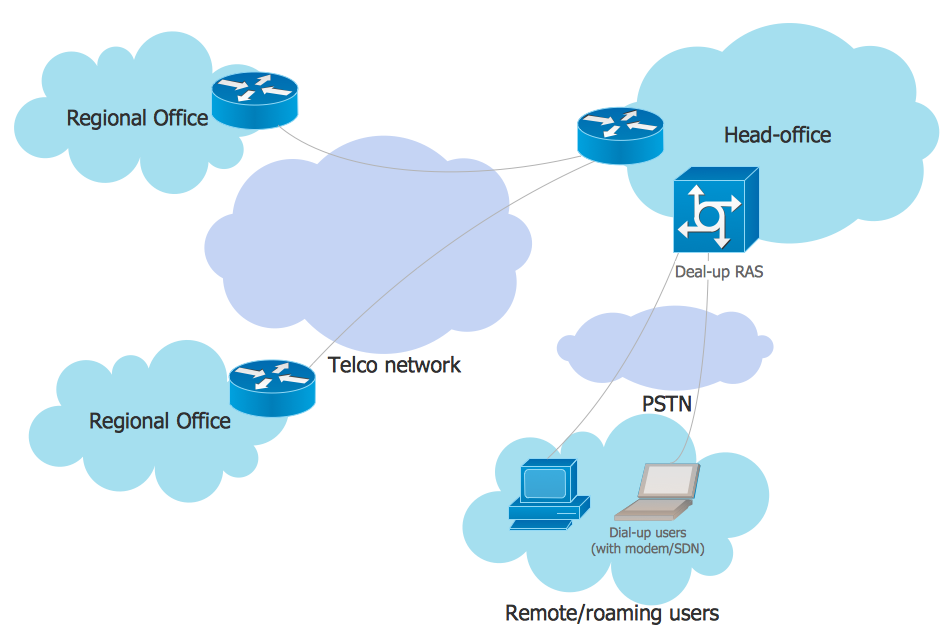
Picture: EPN Frame-Relay and Dial-up Network. Computer and Network Examples
Related Solution:
The entity–relationship (ER) model is a data model that lets graphically represent the information system and depict the relationships between people, objects, concepts, places, and events within a given system. It is also convenient to use the ER Diagram for Cloud computing representation and description the Cloud computing architecture, design them with pleasure using the extensive tools of the Cloud Computing Diagrams solution from the Computers and Network area of ConceptDraw Solution Park.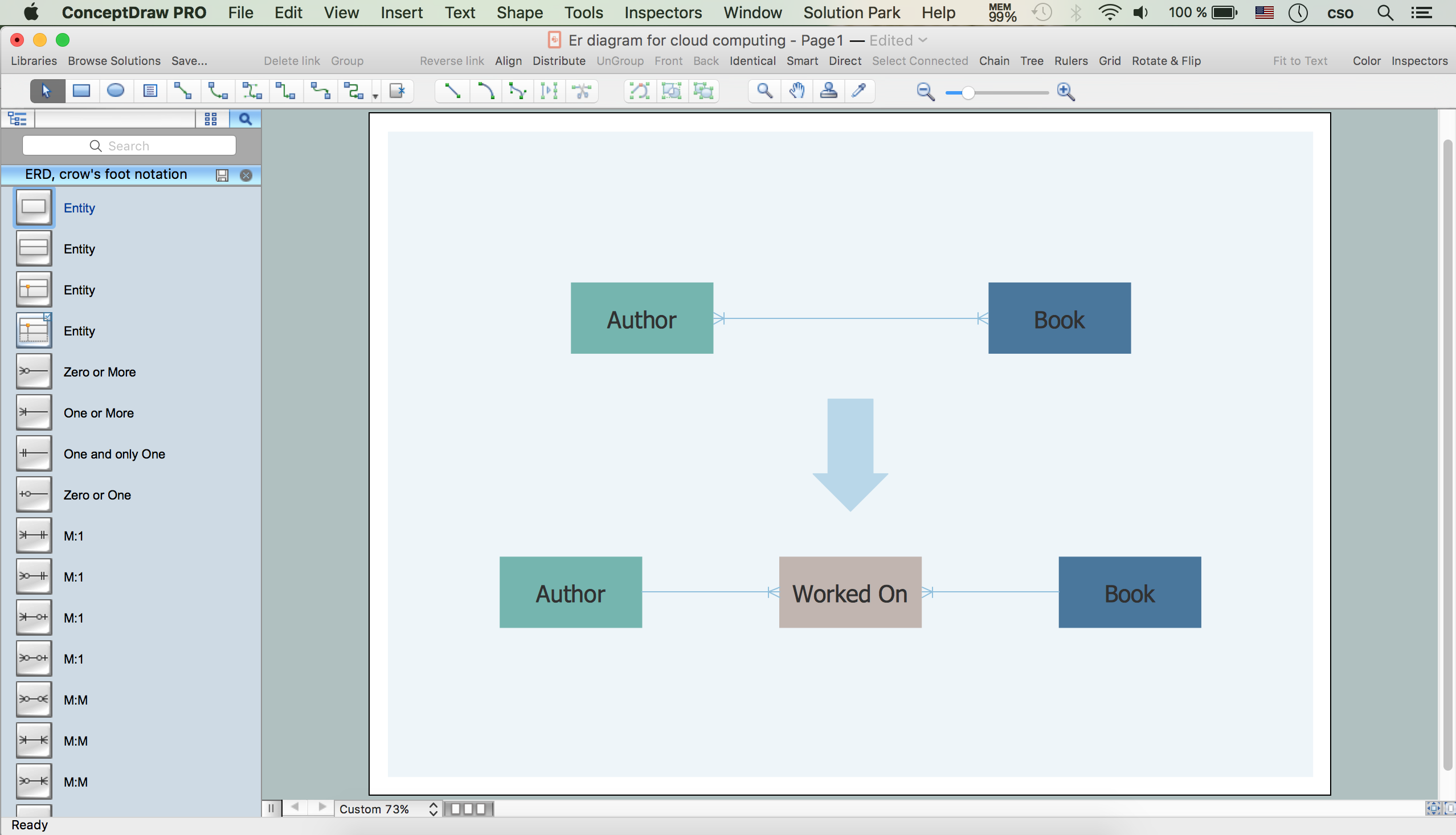
Picture: ER Diagram for Cloud Computing
Related Solution:
Special libraries of highly detailed, accurate shapes and computer graphics, servers, hubs, switches, printers, mainframes, face plates, routers etc.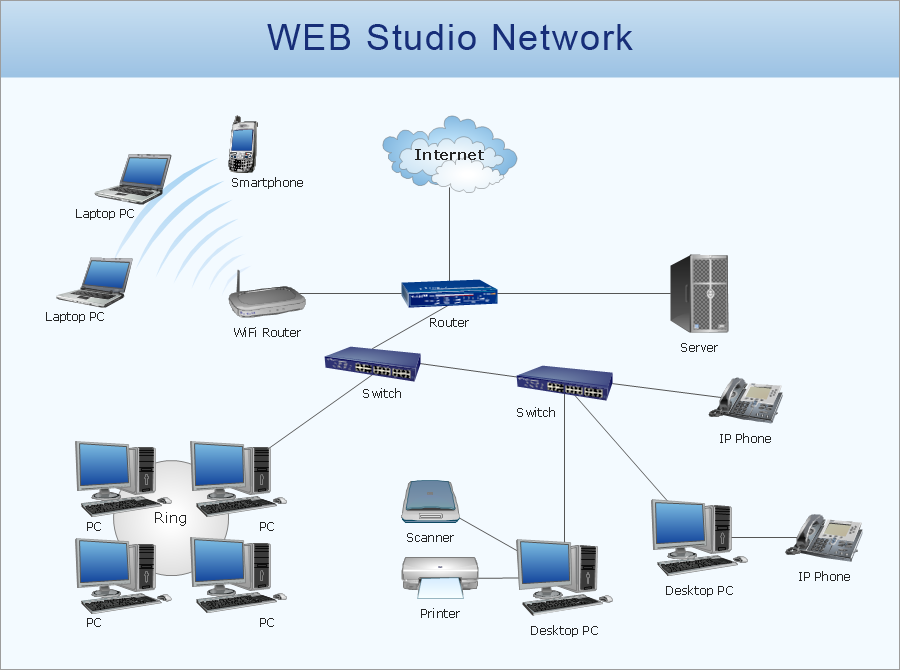
Picture: Network Printer
ConceptDraw DIAGRAM is a powerful diagramming and vector drawing software. Extended with Chemical and Process Engineering Solution from the Industrial Engineering Area of ConceptDraw Solution Park, it became the best Chemical Engineering software.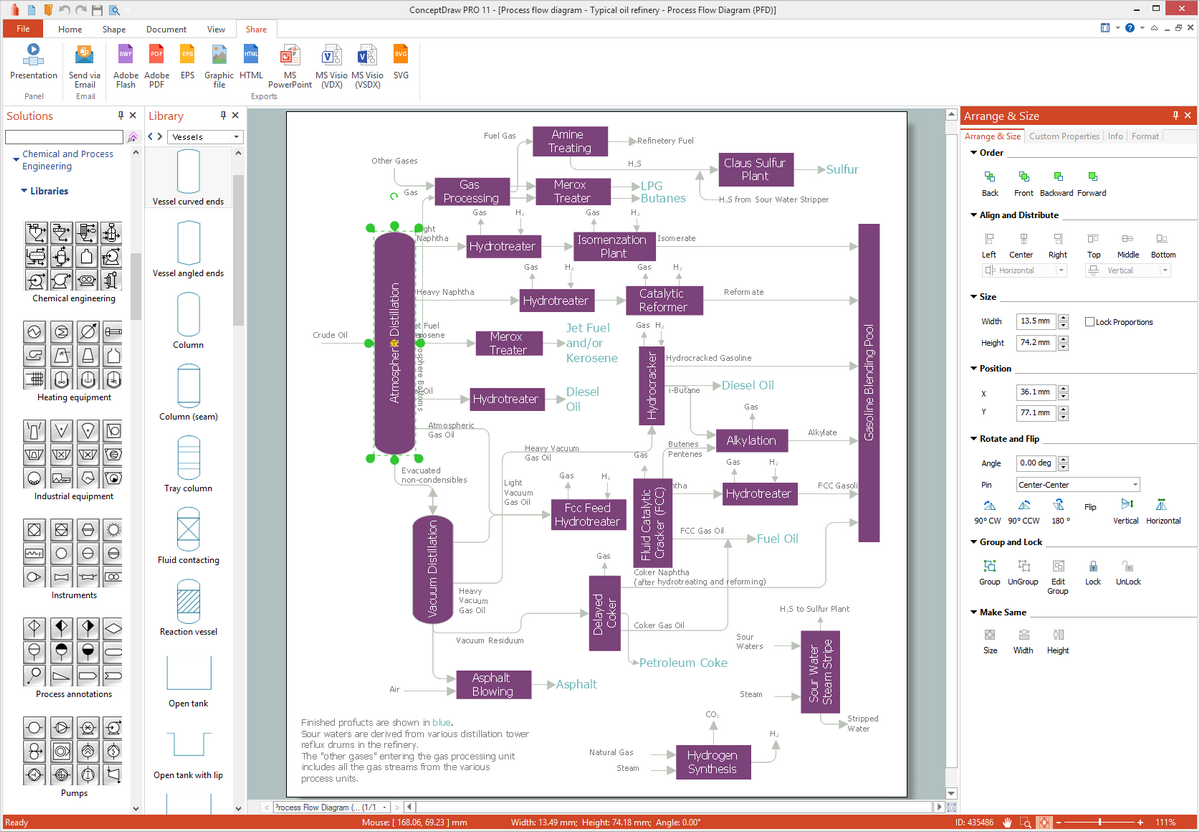
Picture: Chemical Engineering
Related Solution:
ConceptDraw DIAGRAM is perfect for software designers and software developers who need to draw Computer and Network Diagrams._Win_Mac.png)
Picture: Network Diagramming Software for DesignComputer and Network Diagrams